Offline Image to PDF Converter
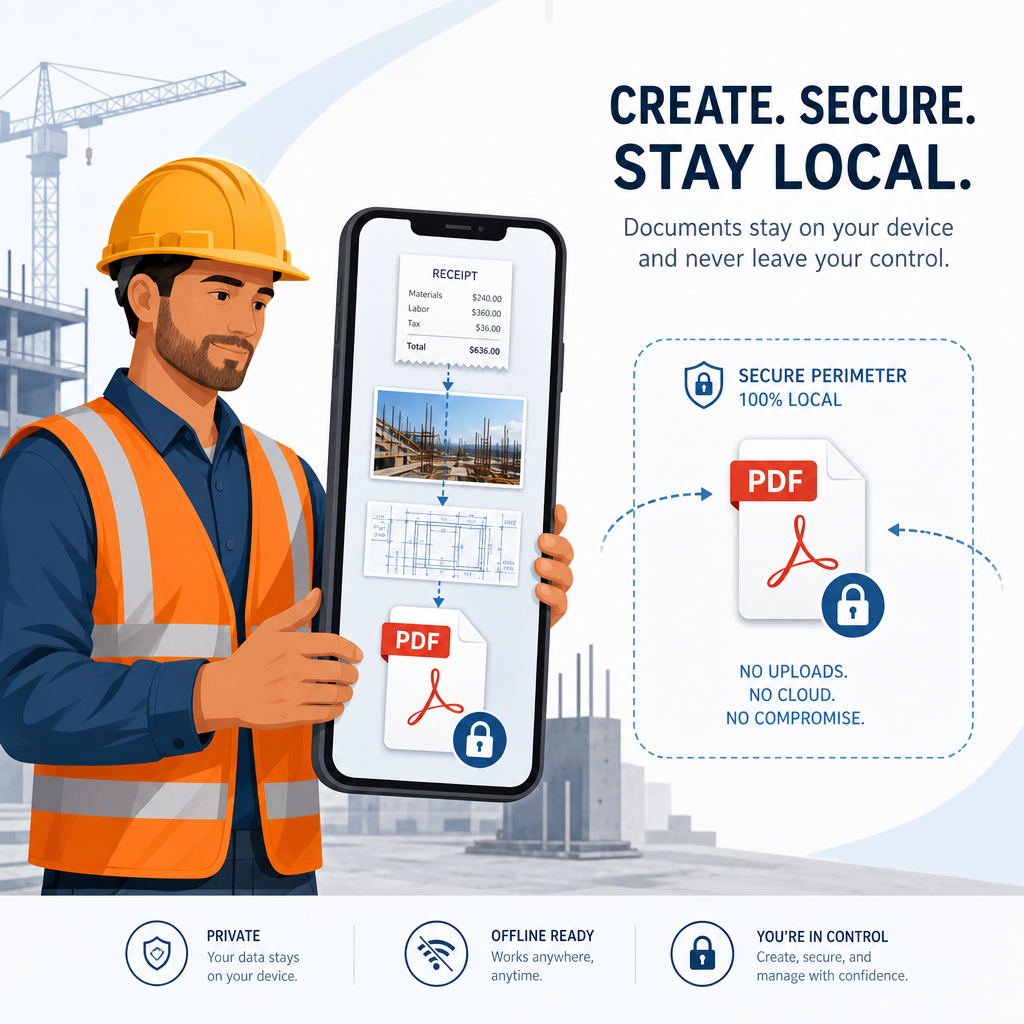
Convert image to PDF on your phone — 100% offline, no uploads. Turn job-site photos, receipts, and field notes into a clean A4 PDF document directly in your browser. Built for mobile contractors who need absolute privacy.
Drag & drop images here
JPG, PNG, or WEBP
Files never leave your device — conversion runs locally in your browser.
100% Secure, Client-Side Conversion
When you are dealing with client invoices, signed contracts, or private job site photos, uploading files to a random third-party server is a massive security risk.
This converter uses client-side browser processing. That means the conversion script runs locally on your smartphone or tablet. Your images are never uploaded to the cloud, stored on external servers, or accessible to anyone else. Once you hit download, the PDF is generated using your device's own memory. Zero uploads. Absolute privacy.
Built for Field Work and High-Speed Efficiency
Mobile businesses don't have time to navigate clunky desktop software while on a job site. This tool is designed to solve immediate field needs:
- No Apps to Install: Bookmark the page and use it directly from your mobile browser.
- Offline Capable: Once the page loads, the underlying JavaScript can generate your PDFs even if you lose your cellular signal in a remote area.
- Batch Processing: Snap multiple photos of a multi-page document or a handful of daily receipts and compile them into a single, organized PDF file in seconds.
Common Use Cases for Mobile Professionals
| Profession | How to Use the Converter |
|---|---|
| General Contractors | Compile daily progress photos into a single PDF report for clients. |
| Plumbers & Electricians | Photograph handwritten material receipts and convert them for instant expense tracking. |
| Landscapers | Snap "before and after" photos and bundle them into a clean portfolio document. |
| Freelancers | Convert pictures of signed physical contracts into easily emailable PDF attachments. |
Image to PDF on Phone — How It Works
- 1Select or Snap:
Tap the upload area to choose existing photos from your camera roll, or take a new picture directly.
- 2Review:
Check the preview list to ensure all pages and receipts are in the correct order.
- 3Generate:
Tap the "Generate PDF" button. Your device will instantly stitch the images into a perfectly scaled, standard A4 document.
Related resources
Productivity & Operations
- Token SanitizerClean pasted text and count tokens before you spend them.Open
- Business Expense CategorizerSort a pasted list of expenses into plain-language categories you can copy into your books.Open
- Screen Resolution CheckerGet your screen, viewport, DPR, browser and OS details in one click.Open
- Meeting Action Item ExtractorTurn messy meeting notes into decisions, action items, owners and open questions.Open